mirror of
https://github.com/AppFlowy-IO/AppFlowy.git
synced 2026-03-27 01:16:57 +00:00
[GH-ISSUE #363] [Bug] UI too small on Linux #174
Labels
No labels
2024
2025
2026
acct mgmt
AI
automation
bug
calendar
ci
CJK
cloud
code-block
collaboration
copy-paste
database
data migration
data sync
deploy
desktop
develop
develop
documentation
duplicate
editor
editor-plugin
emoji
export
files
flutter-only
follow-up
formula
good first issue for devs
good first issue for experienced devs
grid
hacktoberfest
HACKTOBERFEST-ACCEPTED
help wanted
i18n
icons
images
importer
improvements
infra
install
integrations
IR
kanban board
login
look and joy
mentorship
mobile
mobile
needs design
new feature
new feature
non-coding
notes
notifications
onboarding
organization
P0+
permission
platform-linux
platform-mac
platform-windows
plugins
program
pull-request
Q1 25
Q1 26
Q2 24
Q2 25
Q3 24
Q3 25
Q4 24
Q4 25
react
regression
rust
rust
Rust-only
Rust-only
Rust-starter
Rust-starter
self-hosted
shortcuts
side panel
slash-menu
sync v2
table
tablet
task
tauri
templates
tests
themes
translation
v0.5.6
v0.5.8
v0.5.9
v0.6.0
v0.6.1
v0.6.4
v0.6.7
v0.6.8
v0.7.1
v0.7.4
v0.7.4
v0.7.5
v0.7.6
v0.7.7
v0.7.8
v0.8.0
v0.8.4
v0.8.5
v0.8.9
web
No milestone
No project
No assignees
1 participant

Notifications
Due date
No due date set.
Dependencies
No dependencies set.
Reference
AppFlowy-IO/AppFlowy#174
Loading…
Add table
Add a link
Reference in a new issue
No description provided.
Delete branch "%!s()"
Deleting a branch is permanent. Although the deleted branch may continue to exist for a short time before it actually gets removed, it CANNOT be undone in most cases. Continue?
Originally created by @programmer290399 on GitHub (Feb 21, 2022).
Original GitHub issue: https://github.com/AppFlowy-IO/AppFlowy/issues/363
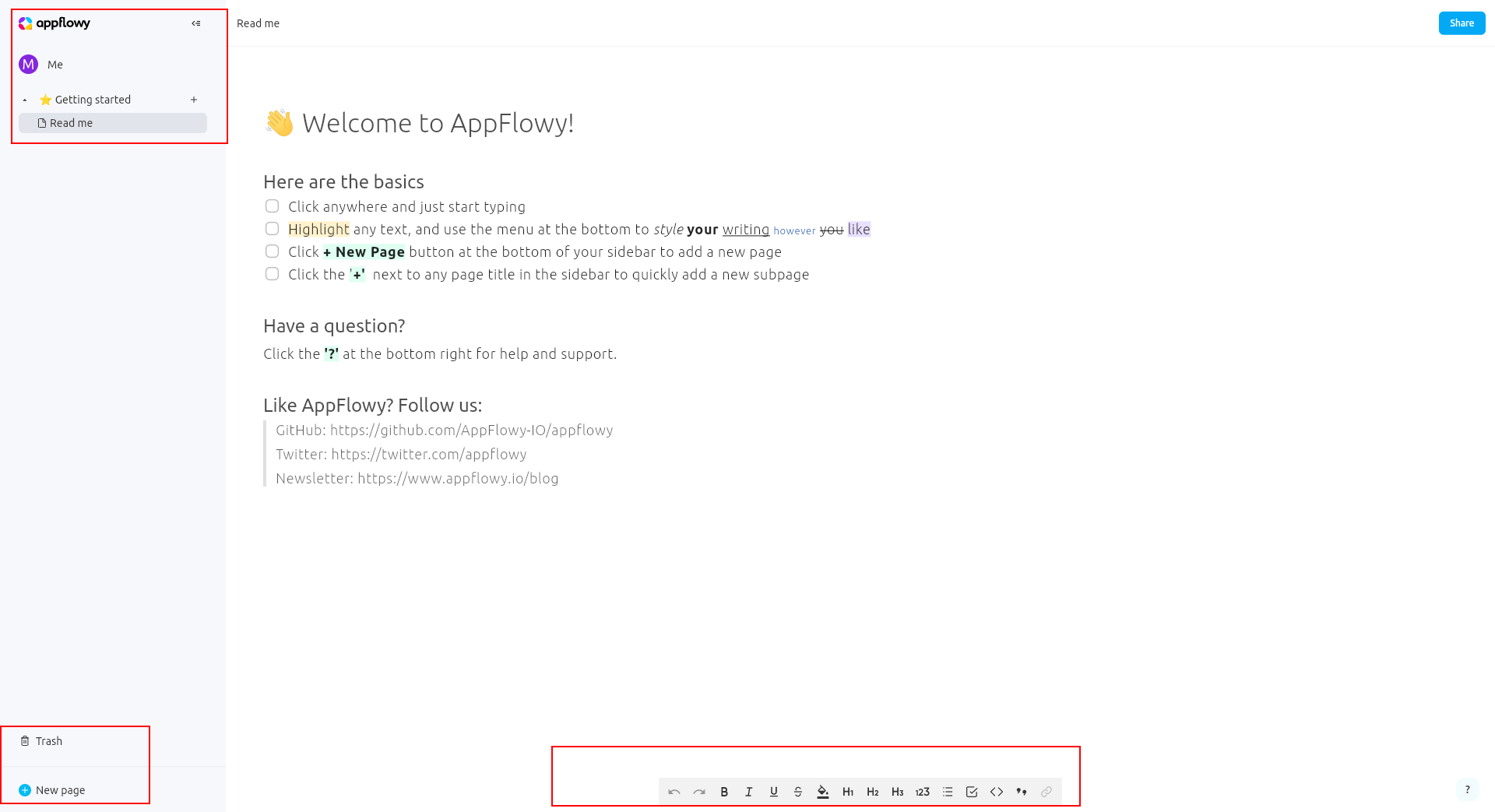
The UI elements are too small and I cannot find a way to scale them to my liking.
To Reproduce
Steps to reproduce the behavior:
Expected behavior
The UI elements should be big enough to not be harsh on the eyes and be more usable...
Screenshots
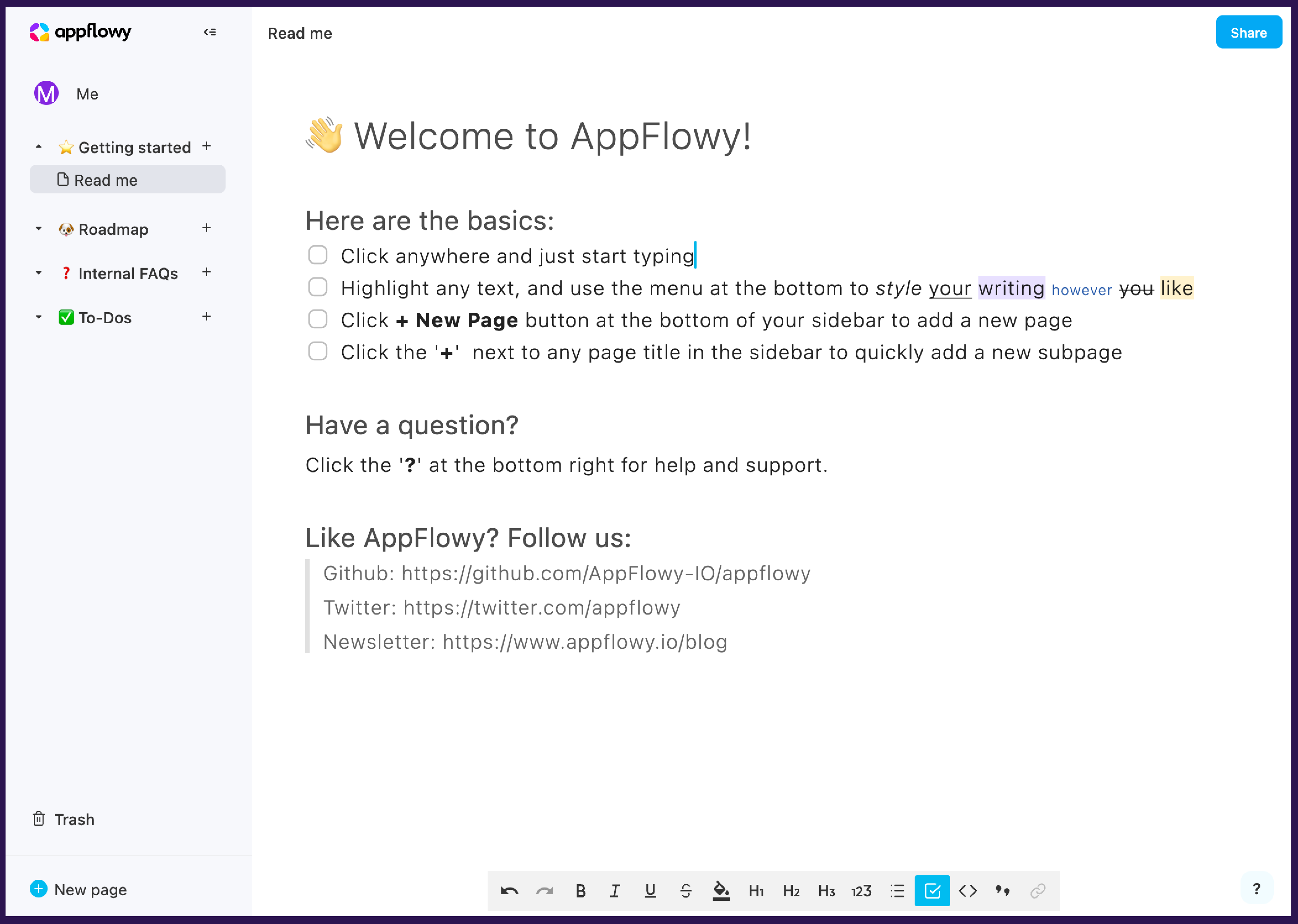
The UI elements should be properly scaled like this:
Desktop (please complete the following information):
More OS/System Info
@adch99 commented on GitHub (Jul 19, 2022):
Confirm that this occurs in Ubuntu 20.04 as well. It was installed from the source release from Github.
AppFlowy version: 0.0.4 on GitHub release page, but the "?" icon in the right bottom corner indicates v1.0.0.1
OS: Ubuntu 20.04 64-bit
Actions Taken: Open
./app_flowyin the terminal, maximize the app and click on the page.Runtime messages:
The critical error message seems to arise when I click on the page.
OS and hardware Info:
Please tell me if you need any other logs.
@annieappflowy commented on GitHub (Jul 20, 2022):
Two issues on this thread:
@wout commented on GitHub (Jul 23, 2022):
I'm experiencing the same issue on elementary OS 6.1 (based on Ubunutu 20.04).
Here are my findings.
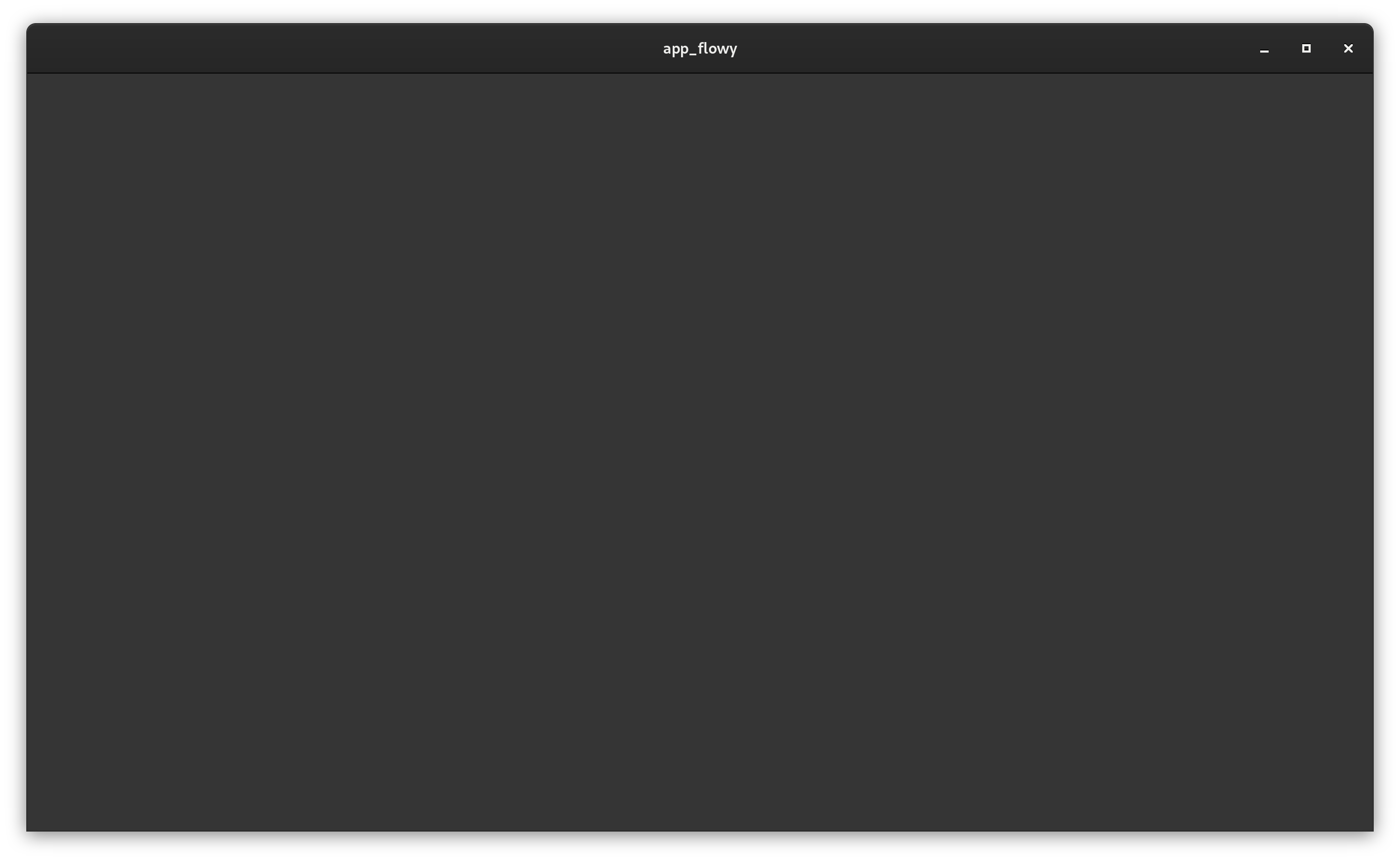
When I open the app, the window is tiny and not resizable:
By launching the app with
GDK_SCALE=1, the window becomes resizable, but the content of the app is scaled down, so everything is tiny:I tried using
GDK_DPI_SCALE=0.5andGDK_DPI_SCALE=2, but those have no effect at all. Also, explicitly usingGDK_SCALE=2has no effect, and results in the same unresizable window as using no env vars at all.@LilMonk commented on GitHub (Jul 27, 2022):
I'm also facing the same issue.I'm using a laptop screen of 2560x1600 display with 150% scale. The screen is not resizable when
GDK_SCALE=1is not given. And after launching the app with thisGDK_SCALE=1the contents are not scaled according to display settings.System Information
NAME="Pop!_OS"
VERSION="22.04 LTS"
ID=pop
ID_LIKE="ubuntu debian"
PRETTY_NAME="Pop!_OS 22.04 LTS"
VERSION_ID="22.04"
HOME_URL="https://pop.system76.com/"
SUPPORT_URL="https://support.system76.com/"
BUG_REPORT_URL="https://github.com/pop-os/pop/issues"
PRIVACY_POLICY_URL="https://system76.com/privacy"
VERSION_CODENAME=jammy
UBUNTU_CODENAME=jammy
LOGO=distributor-logo-pop-os
@LaBaude32 commented on GitHub (Aug 19, 2022):
Hello,
I would like to add some more information:
I used this app with no problem with a Debian 11 + Gnome 3.38 + Intel GPU (and a Nvidia card that wasn't working).
But when I solved my Nvidia GPU problem, AppFlowy started having the same problem as yours. Also, I tried running it with a dedicated GPU, I don't have any more scaling problem it seems, but nothing in the windows either.
I hope it helps ;)
@richardshiue commented on GitHub (Sep 8, 2022):
Idk, it seems like the UI just doesn't scale well in high resolution displays. I've just tried it in windows with 100% scaling, also extremely small while 150% looks perfectly fine. No comments on the resizing issue though.
@Animeshz commented on GitHub (Oct 10, 2022):
For me its even worse, I'm on a 1440p display (13.5inch):
@lbrame commented on GitHub (Nov 30, 2022):
Same issue here. Fedora 36, GNOME 42.6 Wayland session, 1920x1080 laptop. AppFlowy seems to render much smaller than most other apps at 100% by default and none of the usual variables to pass it a new scale factor seem to do anything. On the other hand, resizing the window seems to work perfectly.
@fcodes0 commented on GitHub (Mar 24, 2023):
I'm having the same issue as well. I have a high DPI display, running at 2880x1800, at 200% scale and the UI elements are rendered way to small to be useful. When I first encouterd the issue, I had no way to resize the window. After finding this thread, and finding out about the environment variable GDK_SCALE, I set it to 1 and was able to resize the window however, the UI elements did not scale.
System info:
OS: Linux Mint 21.1 x86_64
Kernel: 5.15.0-67-generic
Shell: bash 5.1.16
Resolution: 2880x1800
DE: Cinnamon 5.6.8
WM: Mutter (Muffin)
Terminal: tmux
CPU: Intel i7-4980HQ (8) @ 2.800GHz
GPU: AMD ATI Radeon HD 8870M / R9 M270X/M370X
Memory: 5376MiB / 15877MiB
AppFlowy Version: 1.0.0.1
Screenshots:
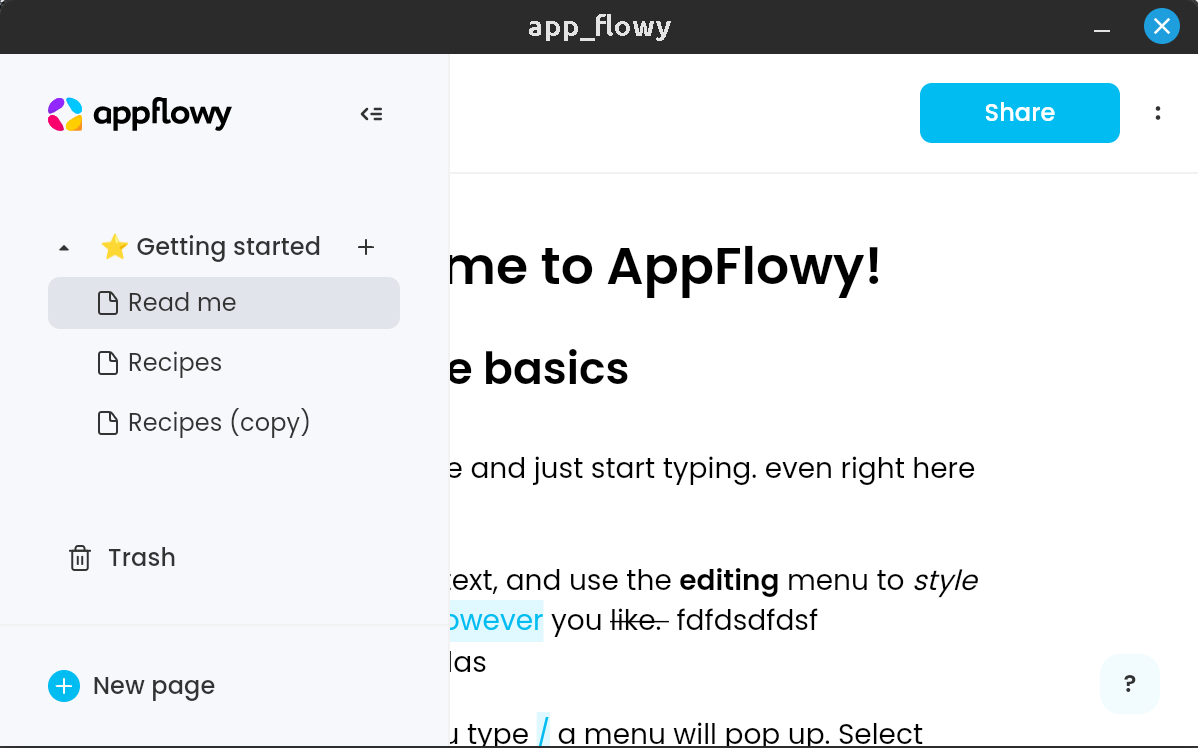
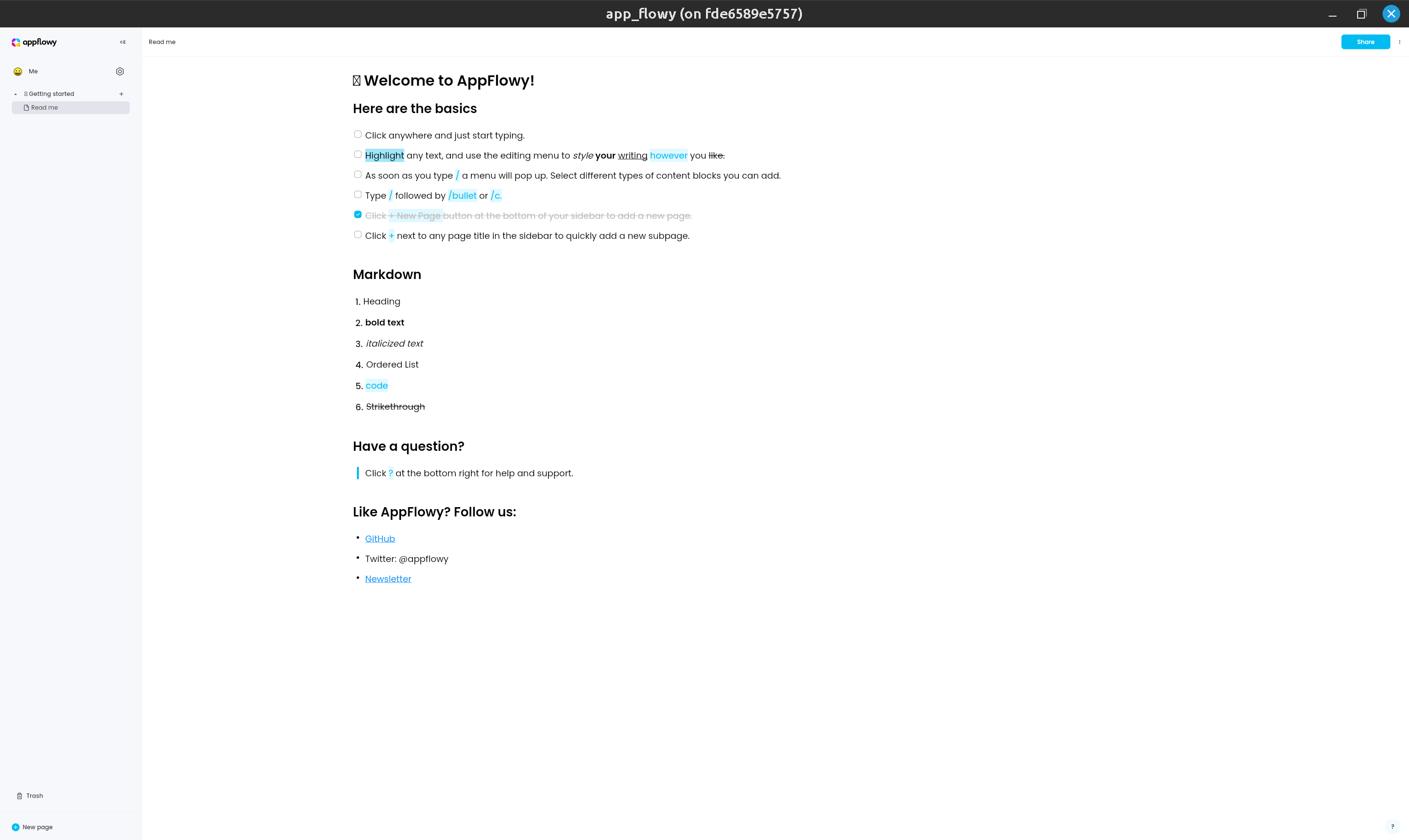
Before setting GDK_SCALE (note: the screenshot makes it seem as if the window fills the screen but it does not. The window size is actually really small, also notice there is no maximize window button by default without setting GDK_SCALE.)
After setting GDK_SCALE=1 (note: Window is now able to fill entire screen but UI elements are too small, however this now allows me to maximize window)
@tinmarr commented on GitHub (Nov 20, 2023):
Looks like this bug is still here.
GDK_SCALE=2seems to fix the issue for me. Looks like it is ignoring the dpi settings set in.Xresources.