mirror of
https://github.com/AppFlowy-IO/AppFlowy.git
synced 2026-03-24 04:46:56 +00:00
[GH-ISSUE #1389] [Bug] unable to open the menu with "/" by installing via fatpack | grey screen via .tar.gz installation #547
Labels
No labels
2024
2025
2026
acct mgmt
AI
automation
bug
calendar
ci
CJK
cloud
code-block
collaboration
copy-paste
database
data migration
data sync
deploy
desktop
develop
develop
documentation
duplicate
editor
editor-plugin
emoji
export
files
flutter-only
follow-up
formula
good first issue for devs
good first issue for experienced devs
grid
hacktoberfest
HACKTOBERFEST-ACCEPTED
help wanted
i18n
icons
images
importer
improvements
infra
install
integrations
IR
kanban board
login
look and joy
mentorship
mobile
mobile
needs design
new feature
new feature
non-coding
notes
notifications
onboarding
organization
P0+
permission
platform-linux
platform-mac
platform-windows
plugins
program
pull-request
Q1 25
Q1 26
Q2 24
Q2 25
Q3 24
Q3 25
Q4 24
Q4 25
react
regression
rust
rust
Rust-only
Rust-only
Rust-starter
Rust-starter
self-hosted
shortcuts
side panel
slash-menu
sync v2
table
tablet
task
tauri
templates
tests
themes
translation
v0.5.6
v0.5.8
v0.5.9
v0.6.0
v0.6.1
v0.6.4
v0.6.7
v0.6.8
v0.7.1
v0.7.4
v0.7.4
v0.7.5
v0.7.6
v0.7.7
v0.7.8
v0.8.0
v0.8.4
v0.8.5
v0.8.9
web
No milestone
No project
No assignees
1 participant

Notifications
Due date
No due date set.
Dependencies
No dependencies set.
Reference
AppFlowy-IO/AppFlowy#547
Loading…
Add table
Add a link
Reference in a new issue
No description provided.
Delete branch "%!s()"
Deleting a branch is permanent. Although the deleted branch may continue to exist for a short time before it actually gets removed, it CANNOT be undone in most cases. Continue?
Originally created by @Pixnop on GitHub (Oct 28, 2022).
Original GitHub issue: https://github.com/AppFlowy-IO/AppFlowy/issues/1389
Originally assigned to: @LucasXu0 on GitHub.
Bug Description
Impossible to open the menu with "/", i also tried to simply copy the "/" from the read me but without success.
Even if I type a command e.g. "/bullet" it does nothing just text.
How to Reproduce
to be on kubuntu ??
Expected Behavior
Open the menu with "/" for fatpack and for the .tar.gz to properly start.
Operating System
Kubuntu
AppFlowy Version(s)
0.0.6.1 fatpack & the .tar.gz
Screenshots
On fatpack :
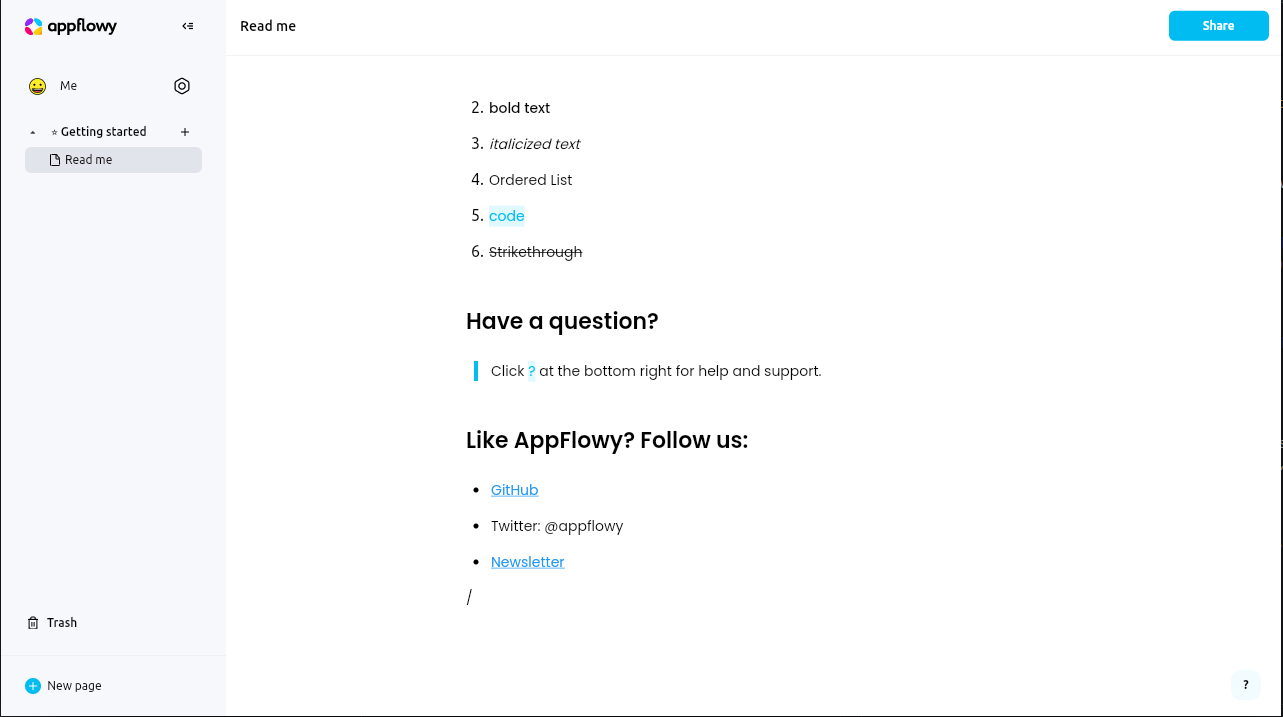
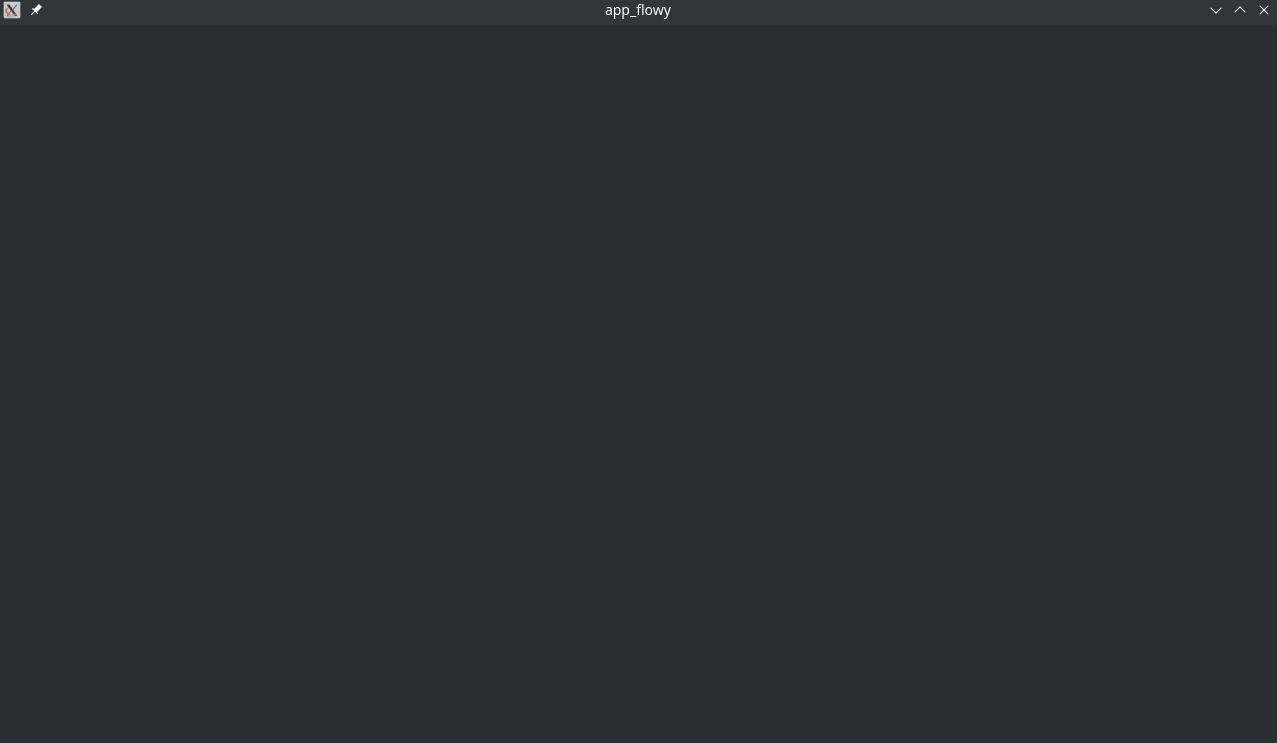
on the .tar.gz :
Additional Context
No response
@LucasXu0 commented on GitHub (Oct 28, 2022):
Hi, @Pixnop. Have you tried to create a new document and pressed the
/key?@Pixnop commented on GitHub (Oct 28, 2022):
Yes, i already try @LucasXu0 .
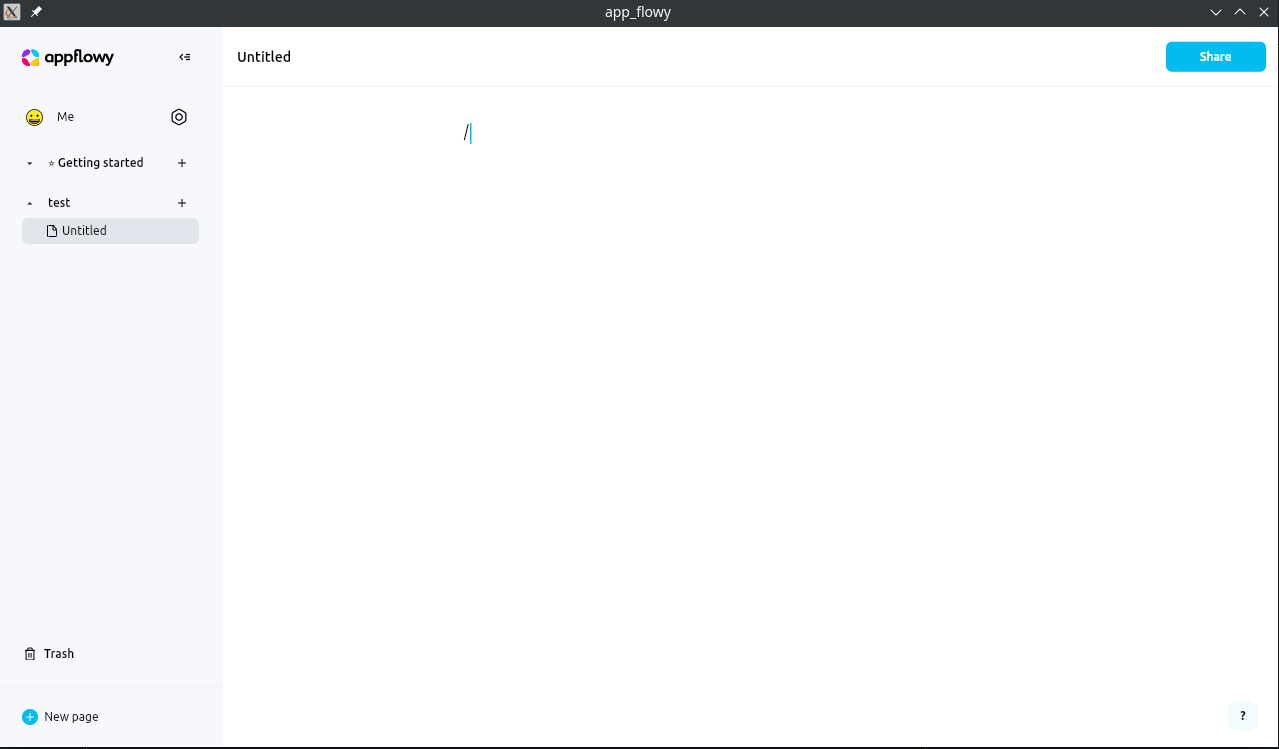
@LucasXu0 commented on GitHub (Oct 29, 2022):
I have verified the slash command on Ubuntu and it is no problem. Since I don't have a Kubuntu device, I will try to find one to reproduce it.
@alexjp commented on GitHub (Feb 18, 2023):
I am completly new to appflowy, and I was just testing latest version, 0.1.0, and got this bug.
I have pt_PT layout, and it doesn't trigger the menu. Changed the keyboard layout to us_US, restarted app, and menu started working
EDIT: its not even needed to restart the app. Just changed the keyboard layout in KDE and it started working right away.
@FinnRG commented on GitHub (Mar 21, 2023):
I also have this issue on standard Fedora with a flatpak install. Changing from my german layout to english (US) helped.
@MayurSMahajan commented on GitHub (Mar 26, 2023):
Users can also customize the selection menu shortcut with their desired key combination by updating the shortcut. #2112
@annieappflowy commented on GitHub (Jun 12, 2023):
This issue should be resolved in the latest release.

Also, we add a
+button to trigger the slash menu.